Settings ManagementBranding
Set up branding: logo, colours and styles
Make every proposal look like yours with brand colours, logo and fonts.
Quest Team5 min readUpdated 2 Aug 2026
Branding is company logo, colours, and document styles used on PDFs and client pages.
- 1
Company logo and identity
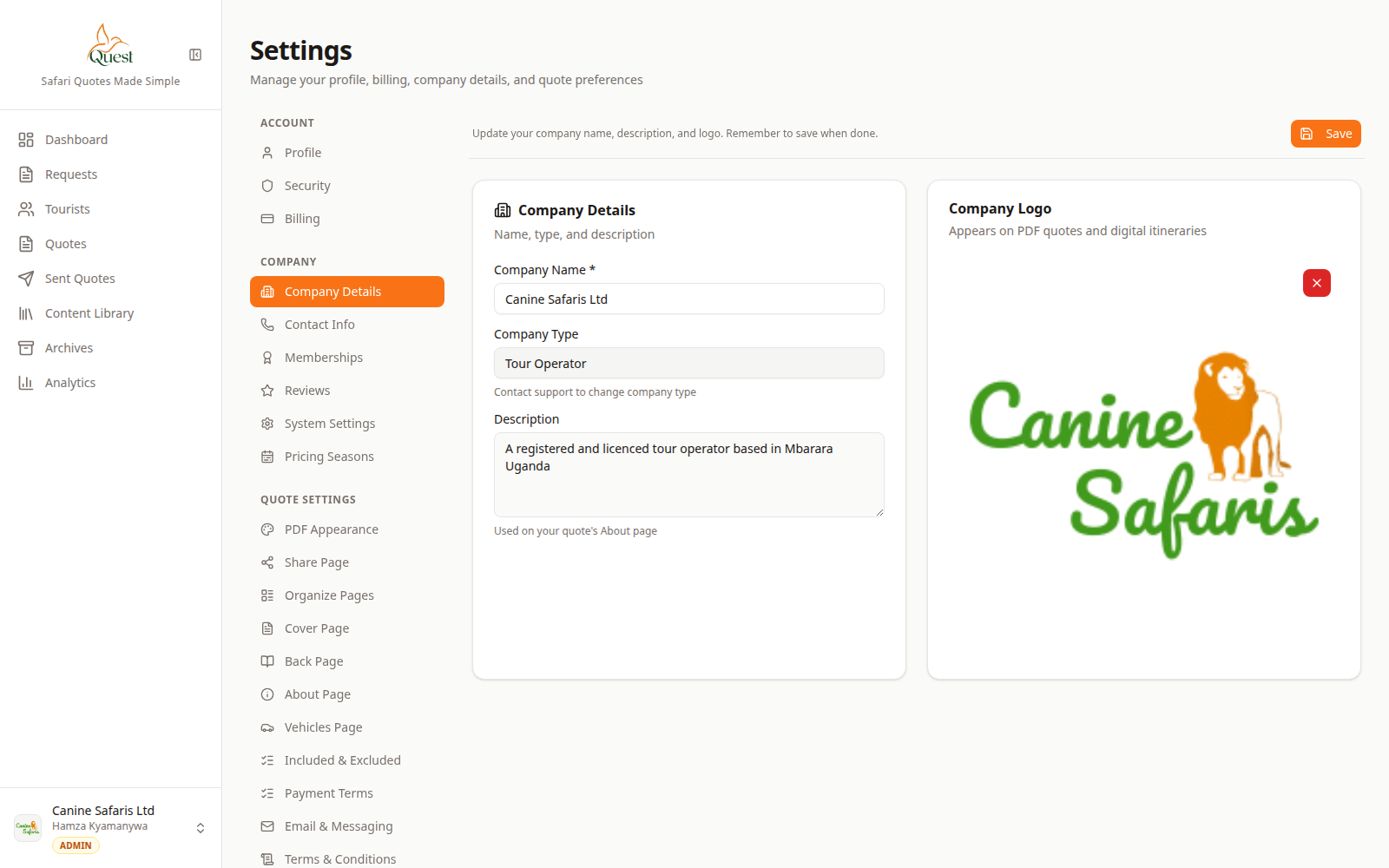
Company
Logo and name.
What the numbers mean
- 1
Company fields
Name and logo used across proposals.
Settings → Company → Details — upload logo and company name.
- 1
- 2
PDF and share styles
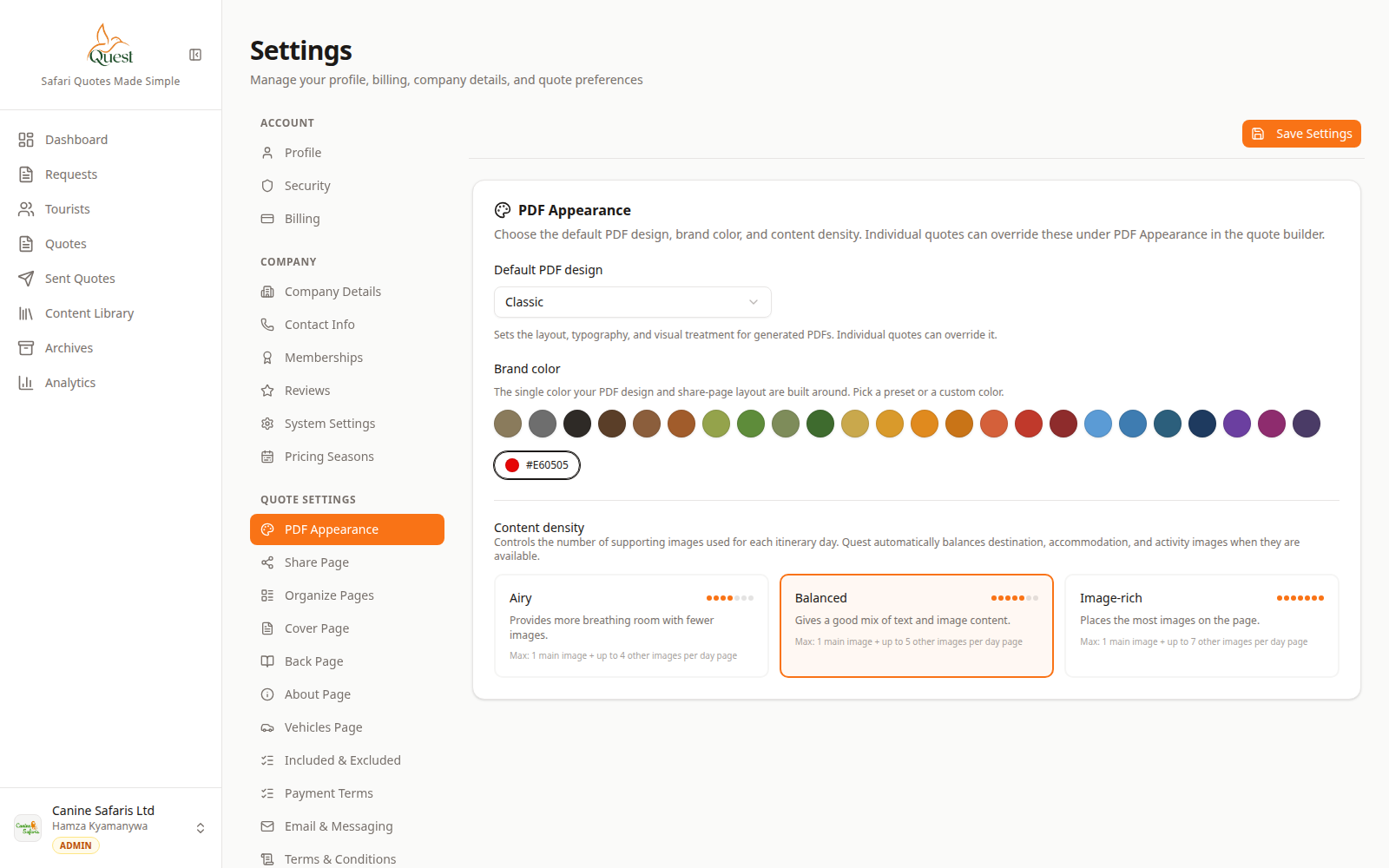
PDF Appearance
Document branding.
What the numbers mean
- 1
Style controls
Colours / design pack for PDFs.
Settings → Quote → PDF Appearance and Share Page for document chrome and client link style.
- 1
- 3
Check on Preview
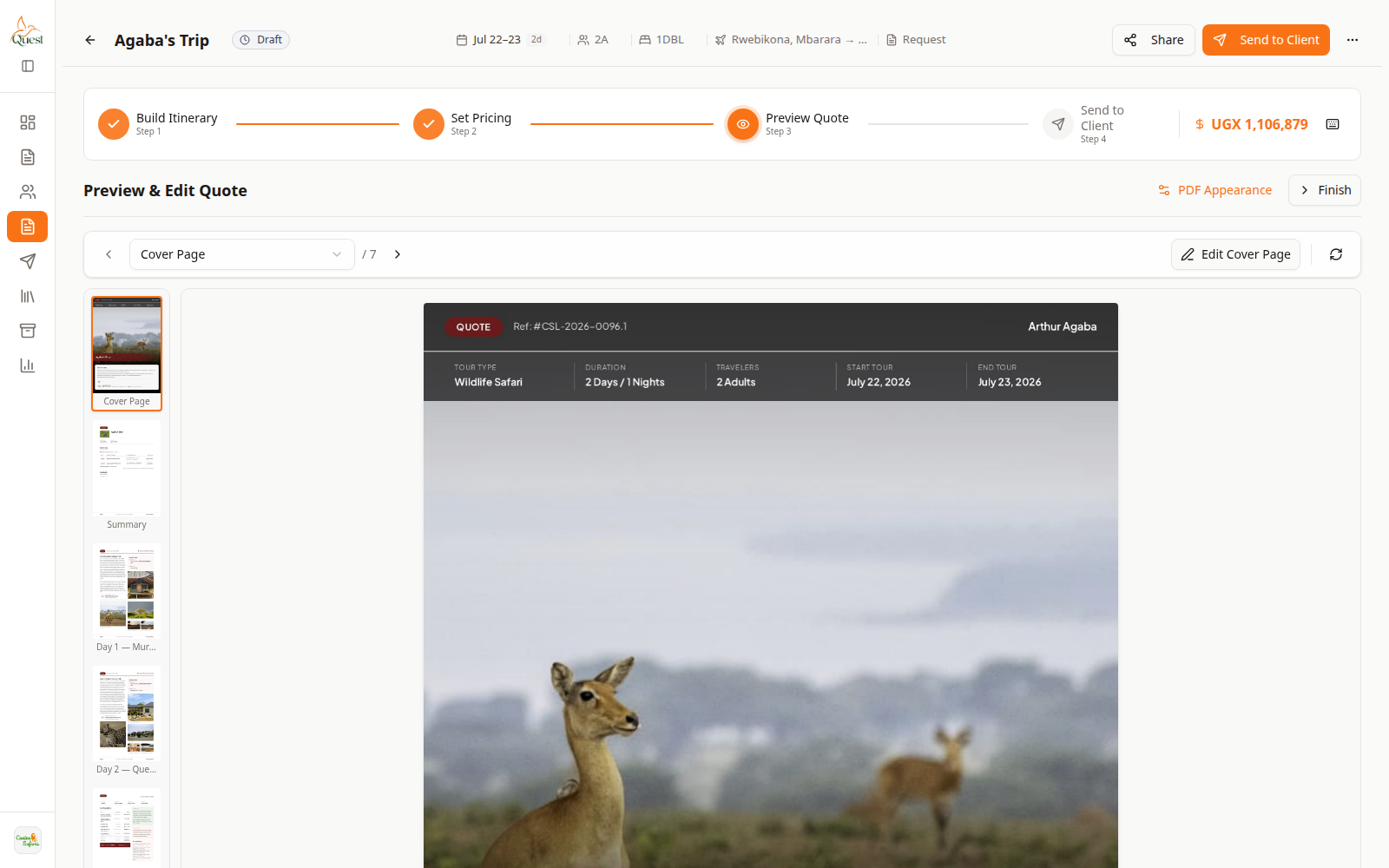
Preview
Client-facing check.
What the numbers mean
- 1
Preview
Confirm logo and styles render.
Preview any quote to confirm branding.
- 1
Was this helpful?