Settings ManagementDefaults
Set default currency and number formats
Choose the currency and formatting new quotes start with.
Quest Team2 min readUpdated 2 Aug 2026
Company default currency and FX policy live under Settings → Company → System Settings. Per-quote currency is on Set Pricing (see Work with multiple currencies).
- 1
Open System Settings
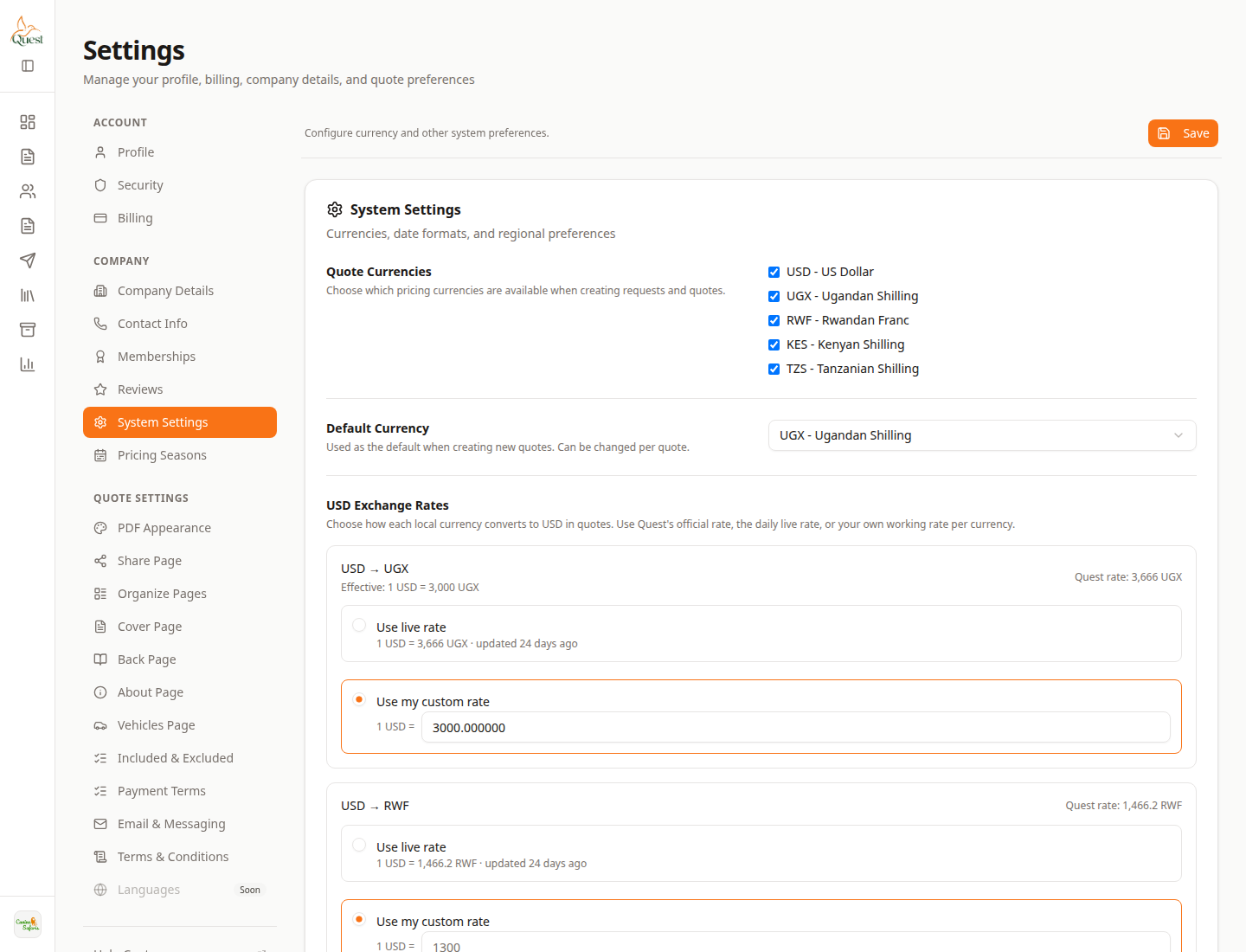
System Settings
Company currency defaults.
What the numbers mean
- 1
System Settings
Company tab for currencies — not Profile.
- 2
Currency panel
Available currencies, default, and FX rates.
Settings → Company → System Settings. Set Quote Currencies, Default Currency, and USD exchange rates, then Save.
- 1
Was this helpful?