Content Library / AssetsManaging assets
Add an accommodation to your library
Store a lodge or camp once — with rates, rooms and photos — and reuse it everywhere.
Quest Team5 min readUpdated 2 Aug 2026
Add lodges to Content Library so they appear when you + Add Alternative on a quote day.
- 1
Open Content Library accommodations
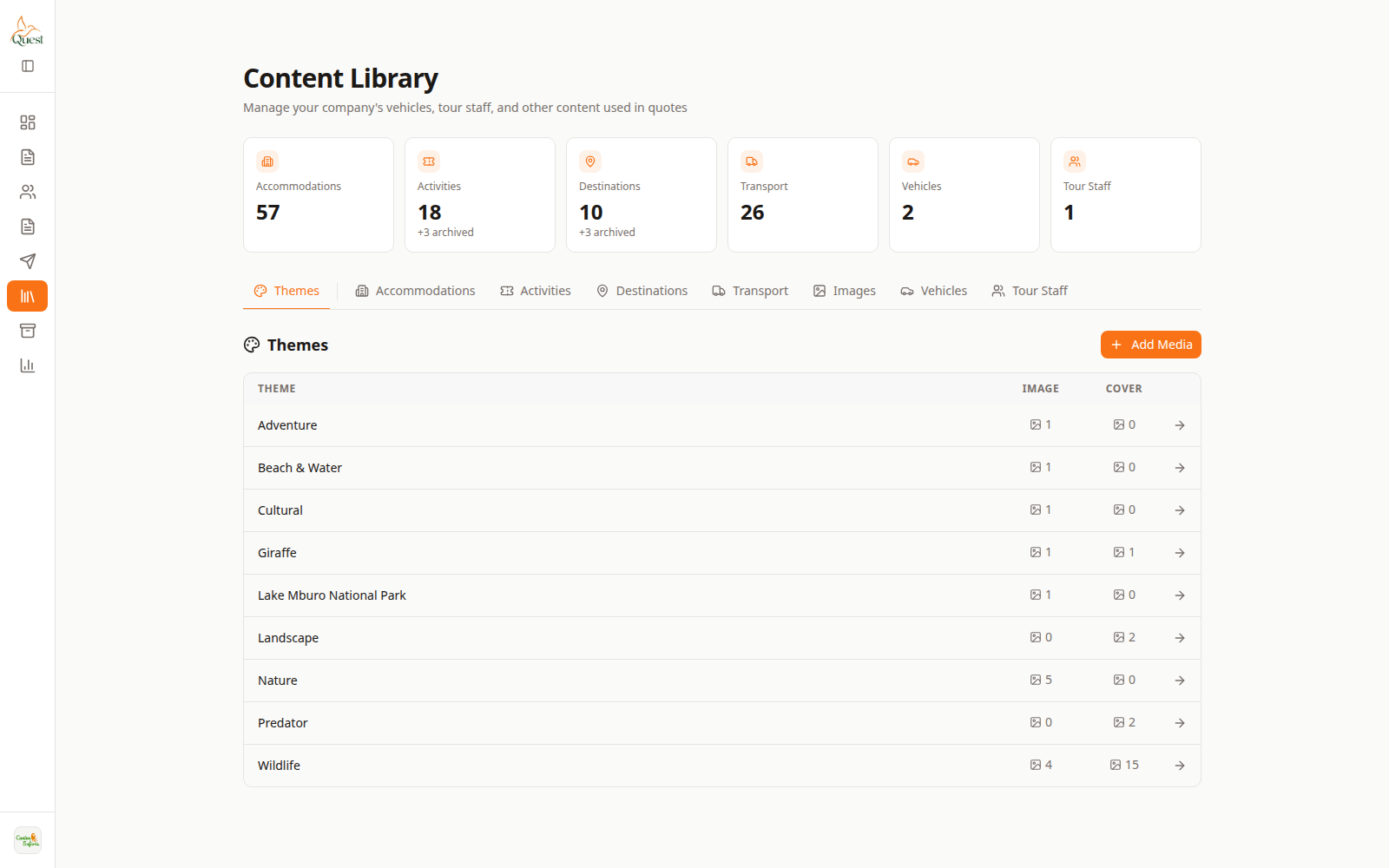
Content Library
Catalog home.
What the numbers mean
- 1
Content Library
Open the catalog.
- 2
Accommodations list
Add or open a lodge record.
Sidebar → Content Library → Accommodations (or equivalent) → add new.
- 1
- 2
Fill lodge details and rates
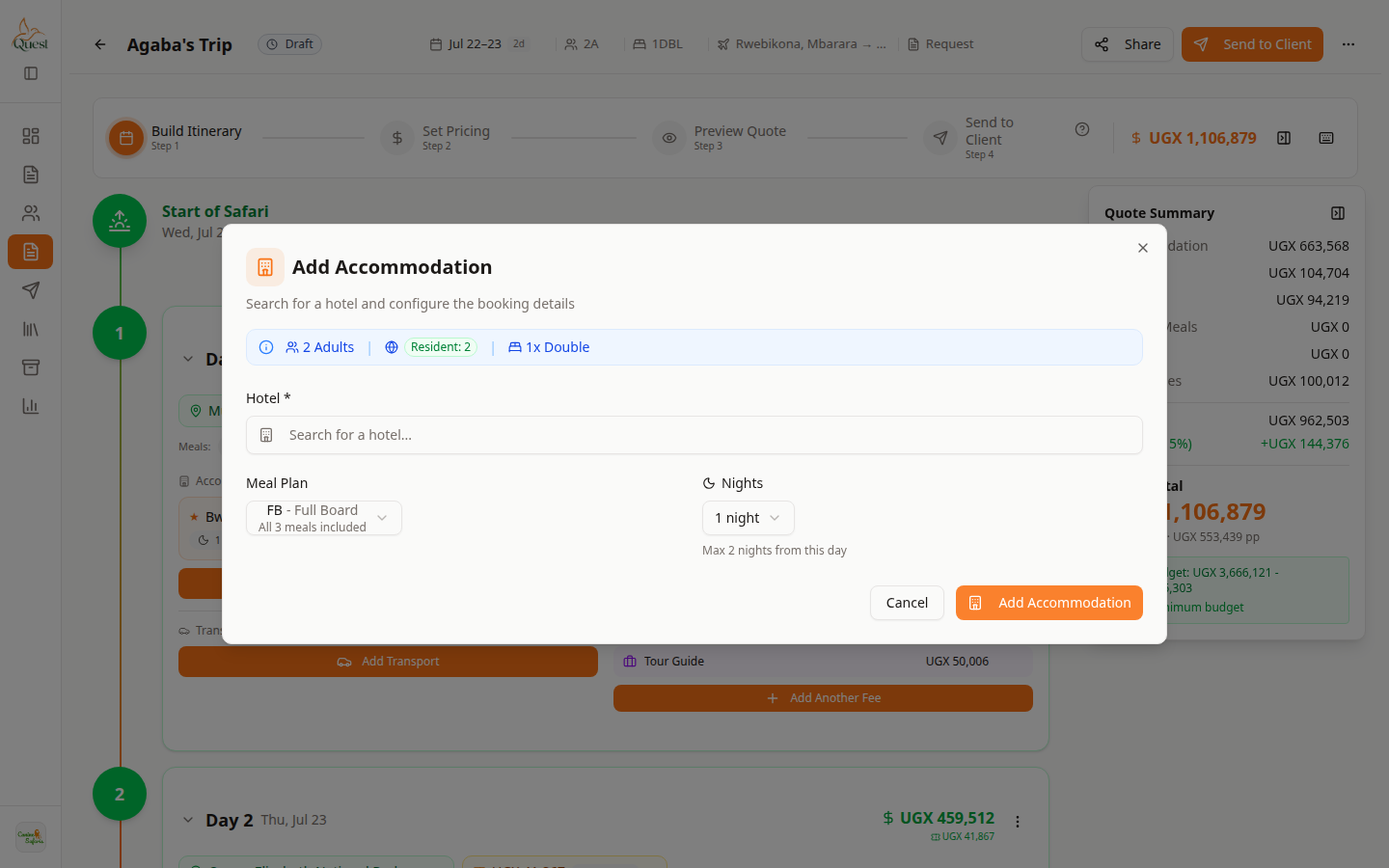
On a quote
Library item selectable when building.
What the numbers mean
- 1
Search lodge
Your new library lodge should appear here on quotes.
Enter name, location, rooms, and rates. Save. Then pick it from the quote accommodation picker.
- 1
Was this helpful?