Content Library / AssetsManaging assets
Upload and organise photos
Build an image library so proposals always have the right pictures.
Quest Team3 min readUpdated 2 Aug 2026
Upload photos on library items and company/quote media so proposals look polished.
- 1
Upload on a library item
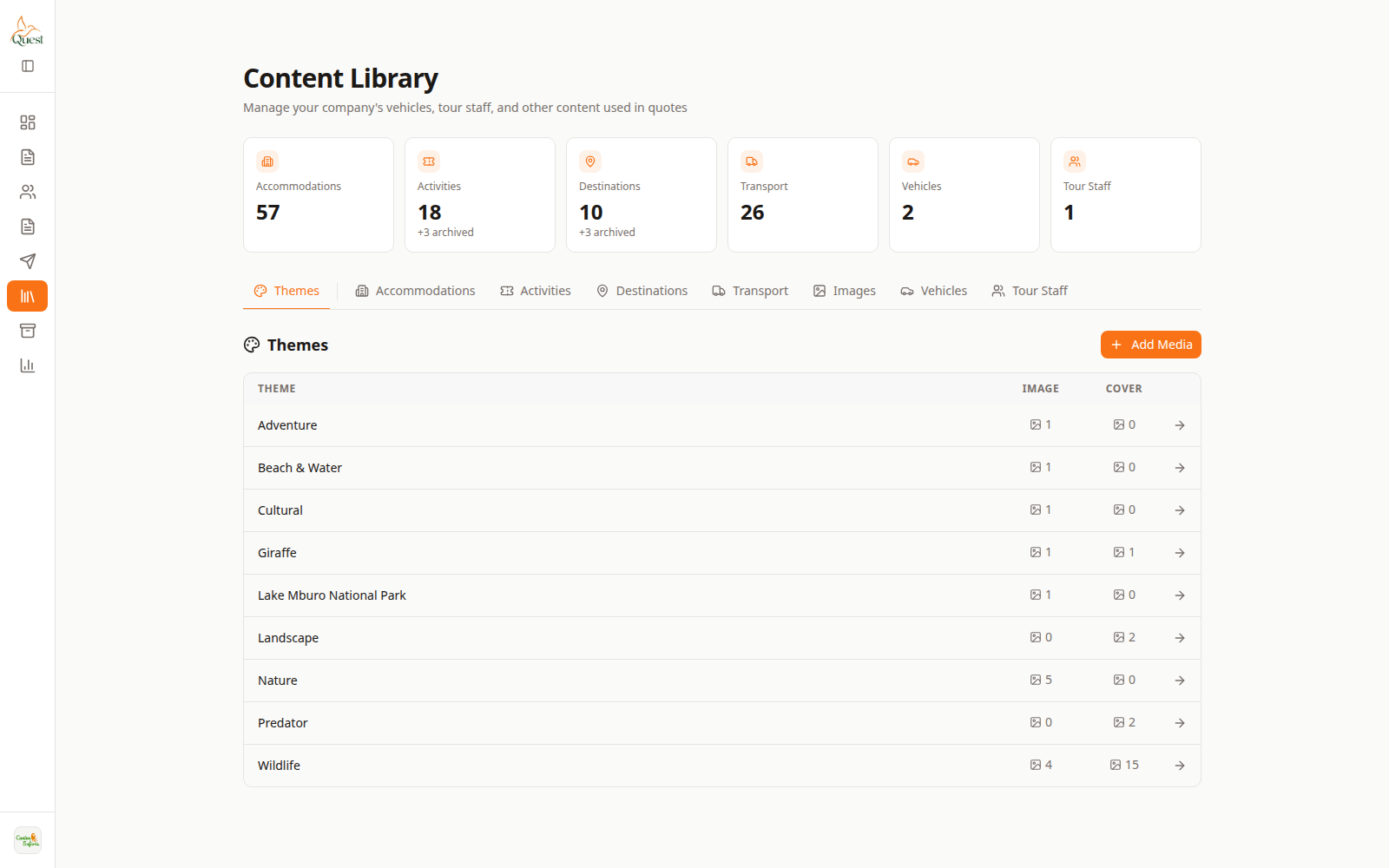
Library
Media on catalog items.
What the numbers mean
- 1
Library item
Open to manage its photos.
Content Library → open item → photos/images → upload → save.
- 1
- 2
See them on Preview
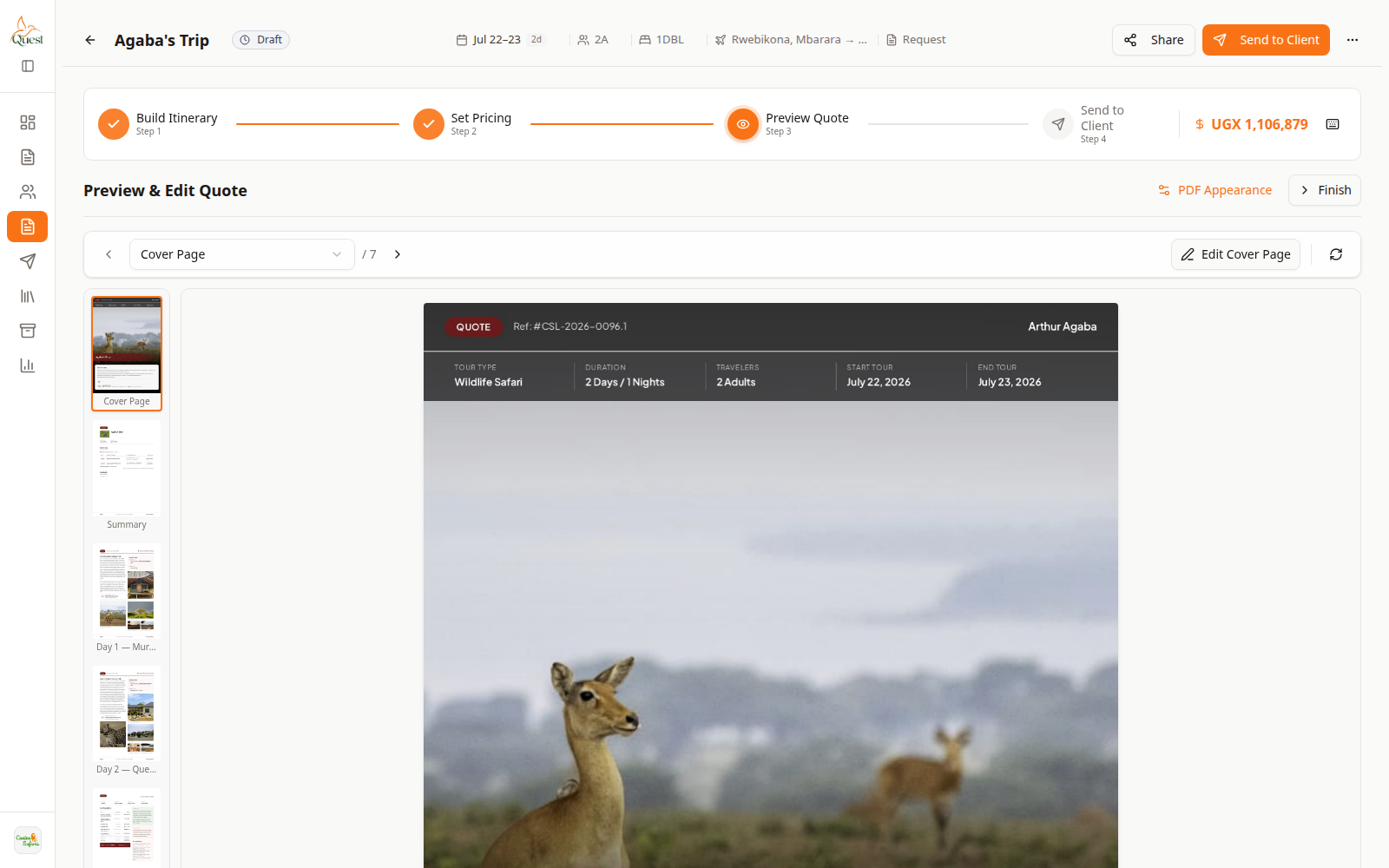
Preview
Images on the proposal.
What the numbers mean
- 1
Preview canvas
Confirm photos render on client pages.
Preview a quote that uses the item to confirm images appear.
- 1
Was this helpful?