Content Library / AssetsManaging assets
Manage seasonal rates and rate periods
Keep supplier rates current with date-based seasons and validity windows.
Quest Team5 min readUpdated 2 Aug 2026
Seasonal rates live on library items and/or Settings → Pricing Seasons depending on your setup. Edit rates on the accommodation/activity record.
- 1
Open the library item
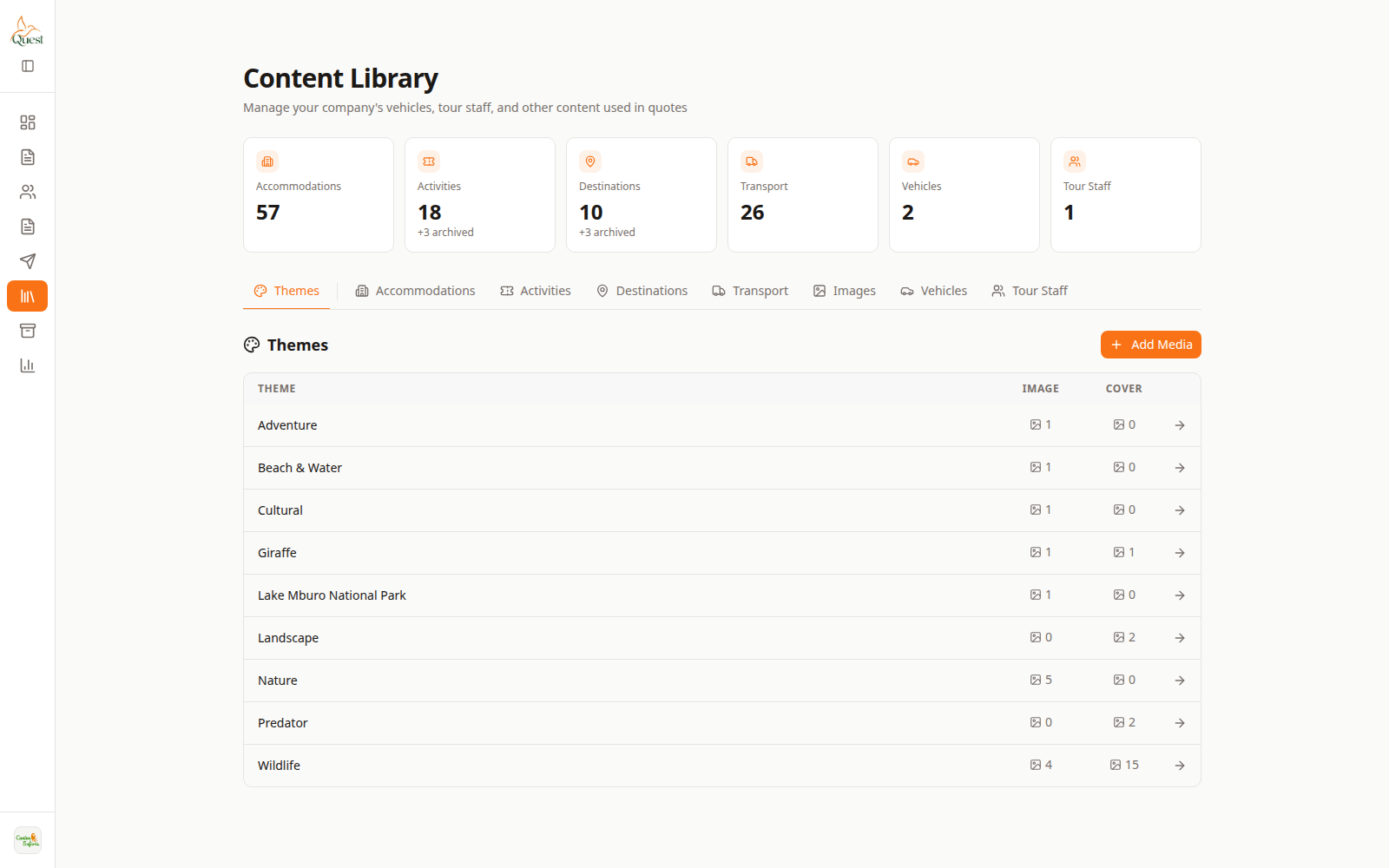
Library
Pick the item to reprice.
What the numbers mean
- 1
Library item
Open to edit rates.
Content Library → open the lodge or activity → rates / seasons section.
- 1
- 2
Confirm on a quote
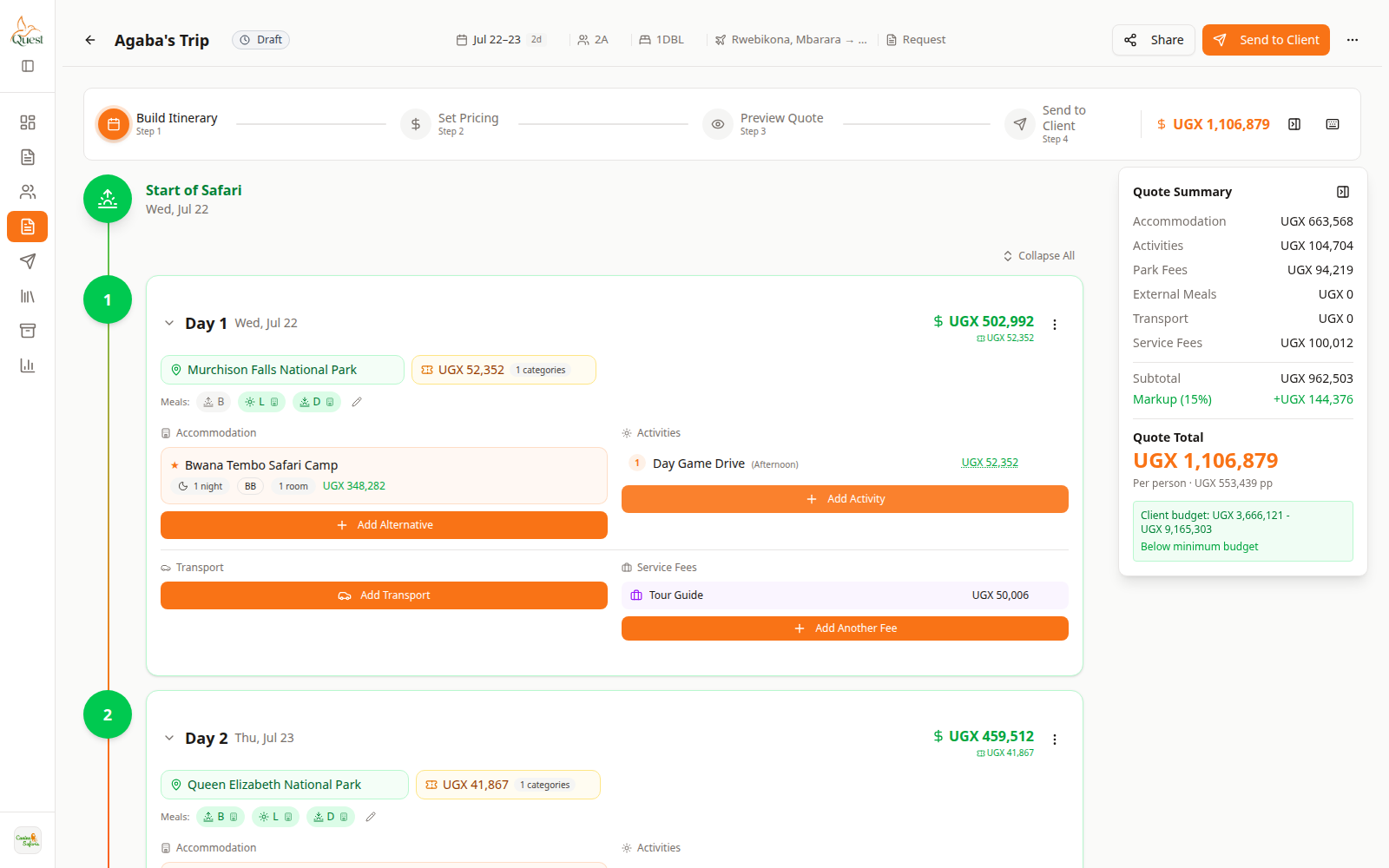
Builder
Rate check on a trip.
What the numbers mean
- 1
Quote Summary
See cost impact after adding the item.
Add the item on a day and check Quote Summary reflects the new rate (new picks; existing quote lines may keep old values until edited).
- 1
Was this helpful?