How the Content Library works
Why a reusable library makes every future quote faster and more consistent.
Content Library stores reusable accommodations, activities, destinations, rates, and photos so you do not retype them on every quote.
- 1
Open Content Library
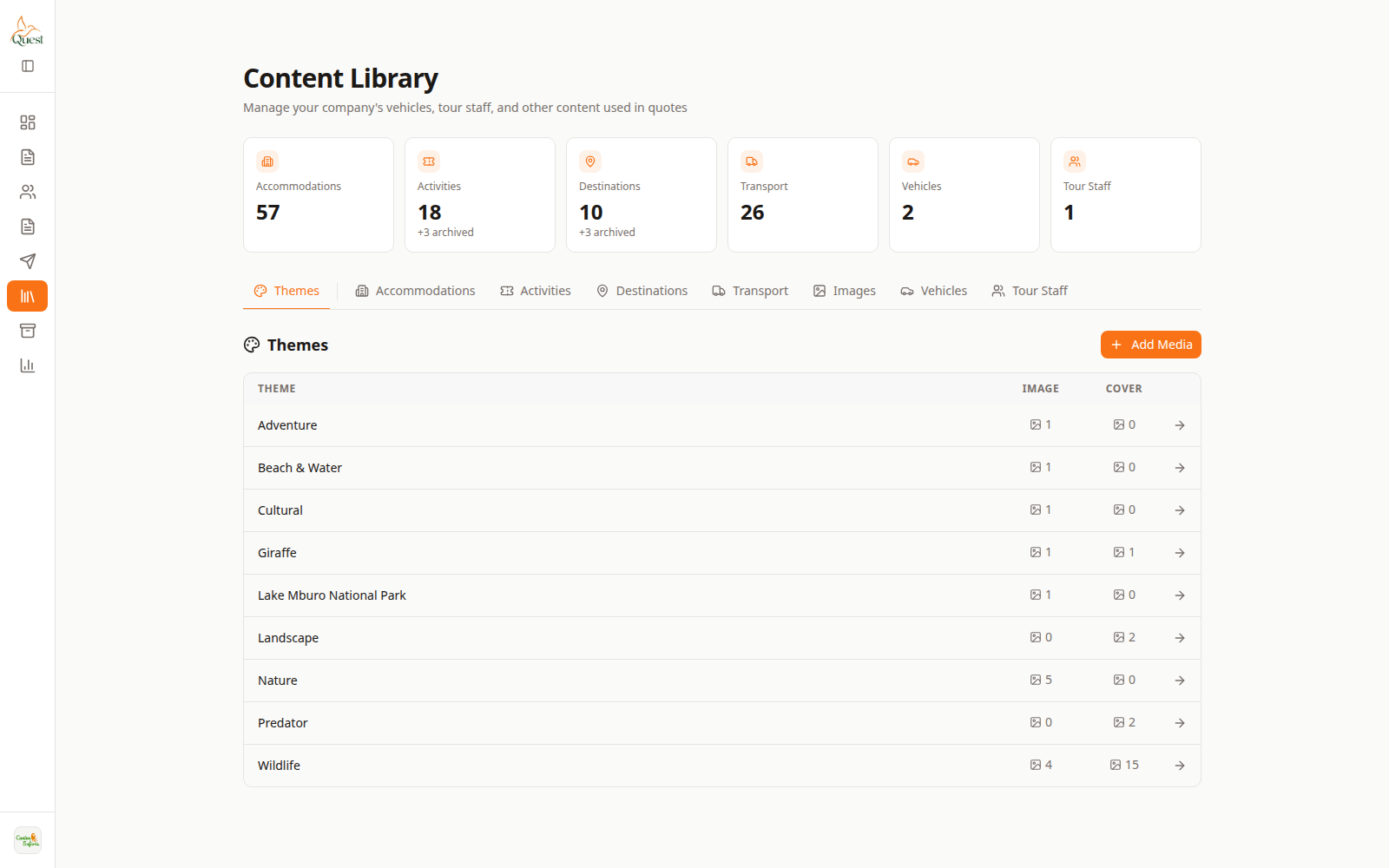
Content Library
Reusable catalog.
What the numbers mean
- 1
Content Library nav
Sidebar entry for the catalog.
- 2
Library list
Open an item to edit rates, photos, and details.
In the sidebar, click Content Library. Browse categories such as accommodations and activities.
- 1
- 2
Use library items inside a quote
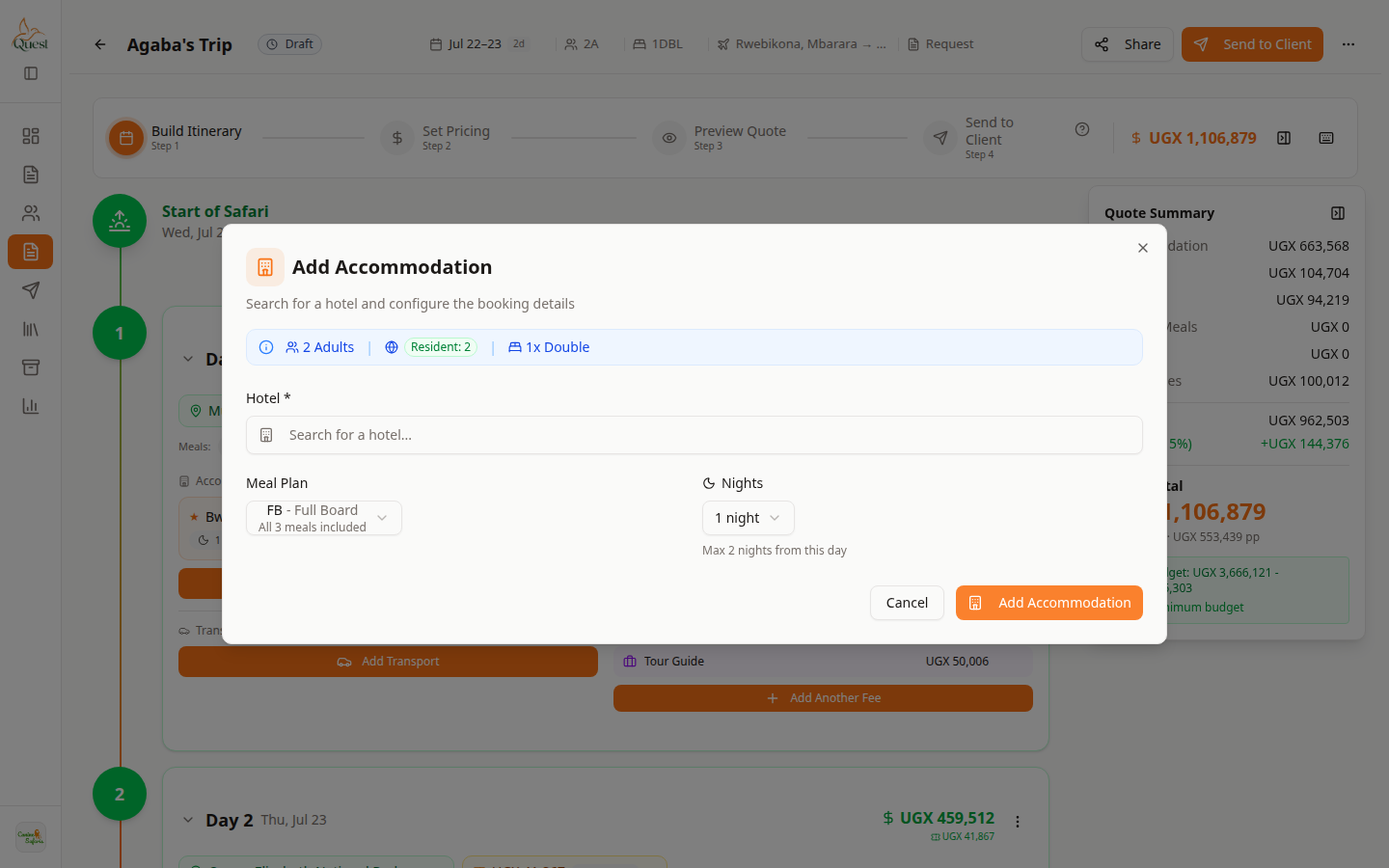
Picker
Search library while building a day.
What the numbers mean
- 1
Search library
Find the lodge or activity by name.
- 2
Details / rates
Confirm room or price before adding to the day.
When you + Add Alternative or + Add Activity on a day, search the library and pick an item.
Library rate edits affect future picks; overrides on a quote stay on that quote.
- 1
Was this helpful?