Quote & Itinerary CreationAdding items
Add vehicles and transfers
Add safari vehicles, road transfers and flights, with per-day or per-trip rates.
Quest Team4 min readUpdated 2 Aug 2026
Add vehicles and transfers on a day under Build Itinerary using the transport controls on the day card.
- 1
Open the day
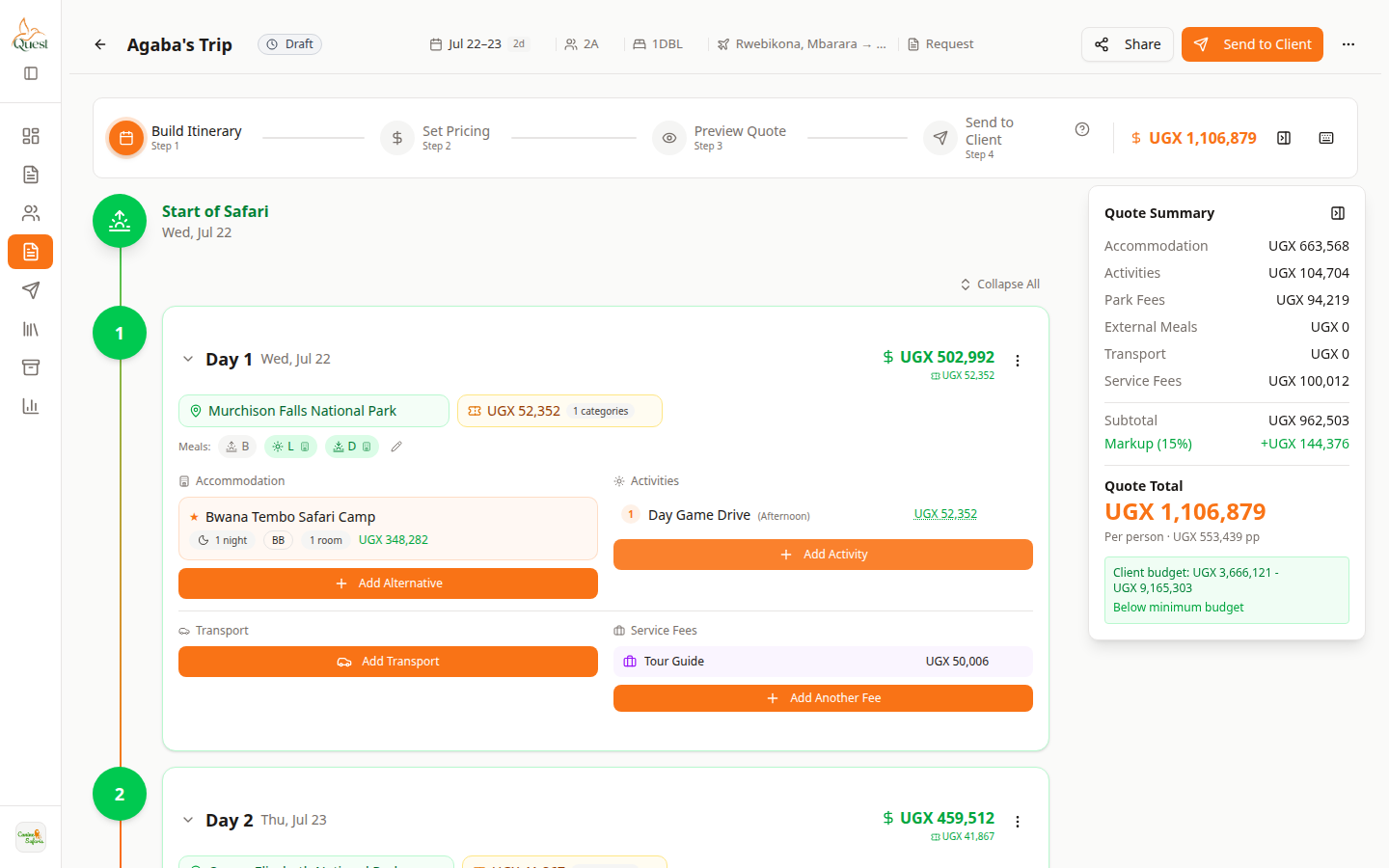
Build Itinerary
Day with add buttons.
What the numbers mean
- 1
Day card
Expand the day you are editing.
- 2
Transport area
Where vehicle/transfer lines appear on the day.
Quote → Build Itinerary → expand the day that needs transport.
- 1
- 2
Add transport
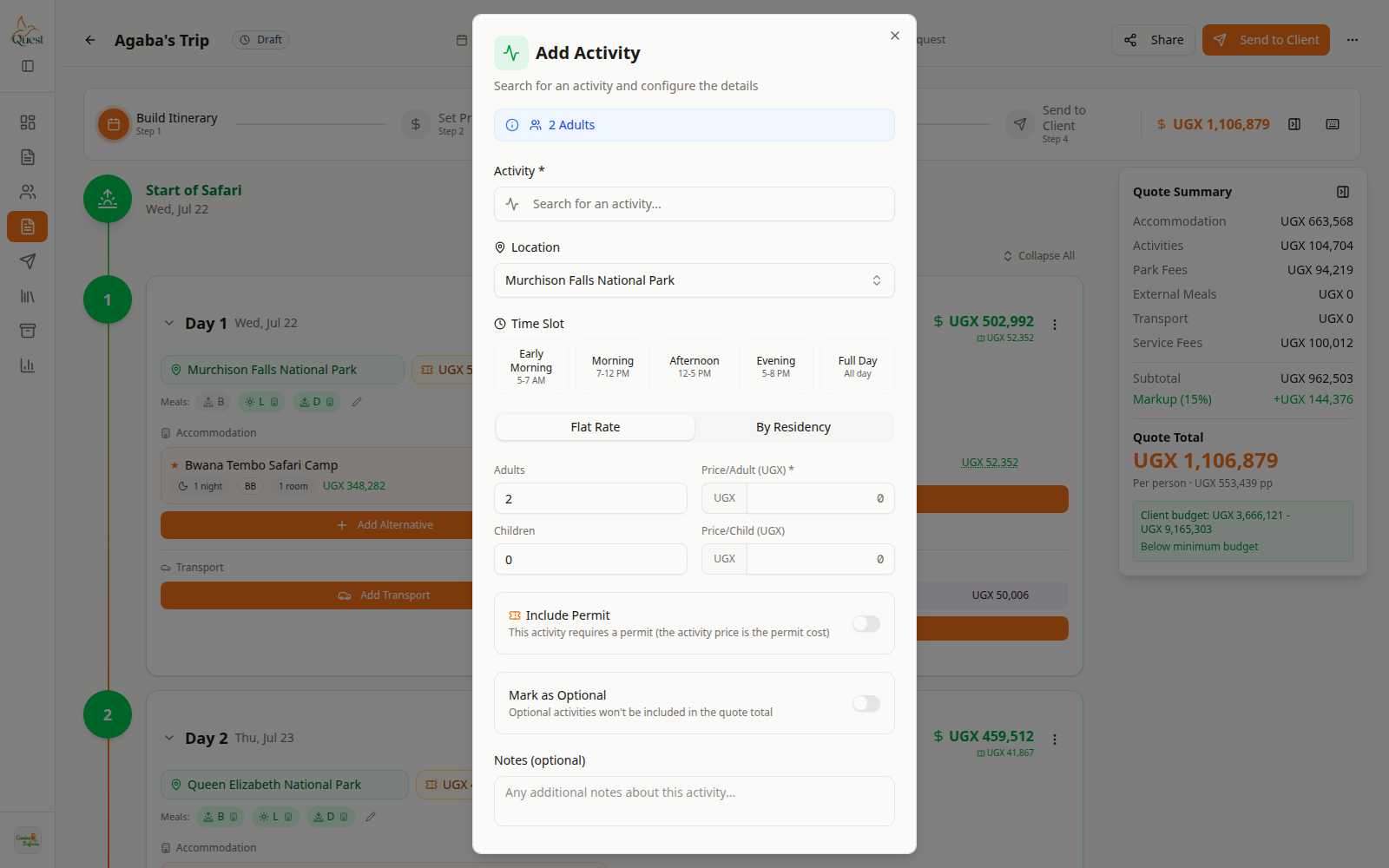
Add menu
Add lines to the day.
What the numbers mean
- 1
Add Transport
Opens the transport picker for this day.
Click Add Transport (or equivalent) on the day.
Choose vehicle/transfer details and save. Costs show in Quote Summary.
- 1
Was this helpful?