Client Delivery & Email SendingClient experience
What your client sees in a proposal
A look at the interactive proposal page clients open, and how they accept.
Quest Team4 min readUpdated 2 Aug 2026
Clients open a share link to see a polished proposal without logging into Quest as an operator.
- 1
Send or copy the client link
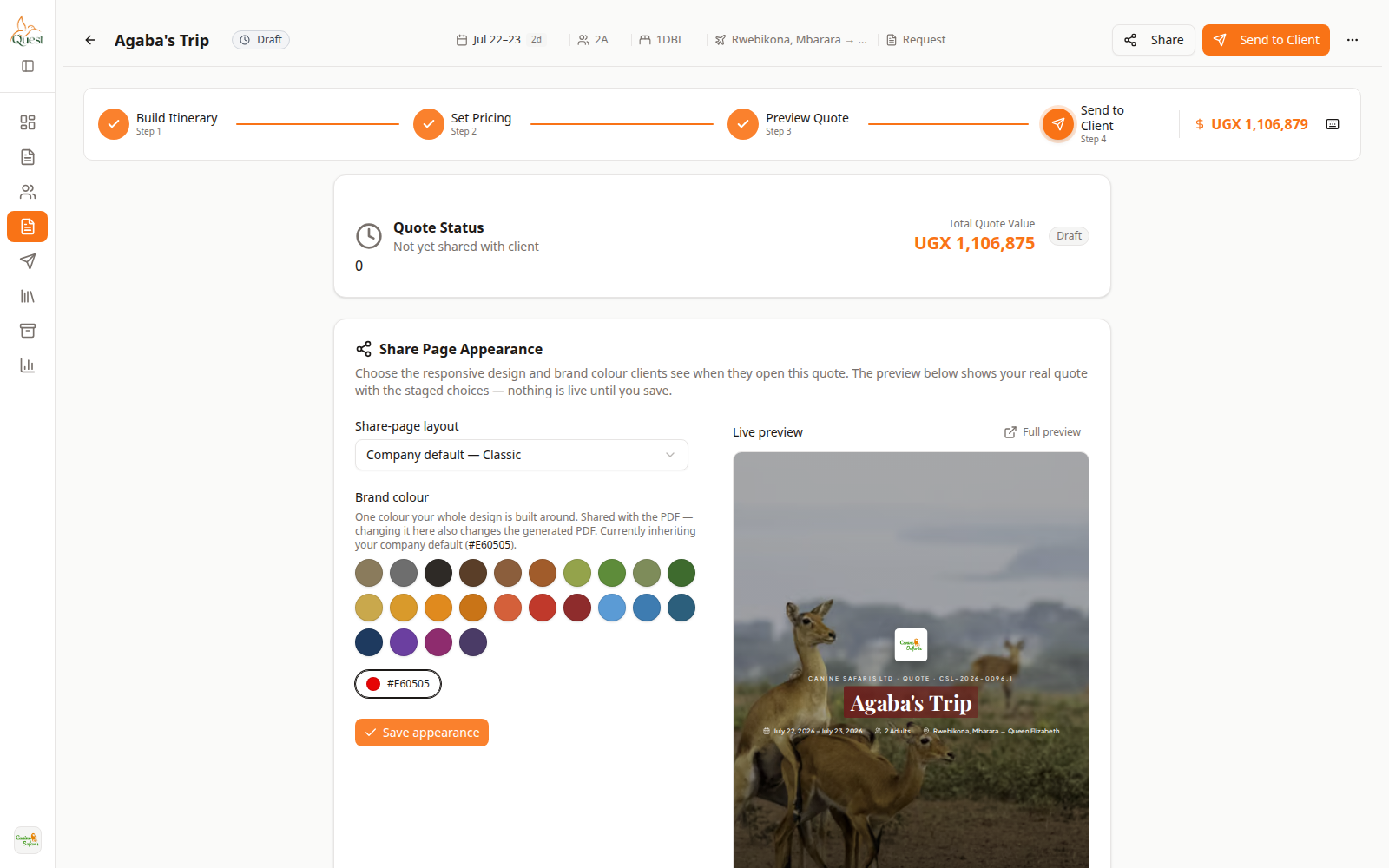
Send to Client
Where the client link is produced.
What the numbers mean
- 1
Share link controls
Copy or send the client-facing URL.
From Send to Client, copy the share link or email it.
- 1
- 2
What they see
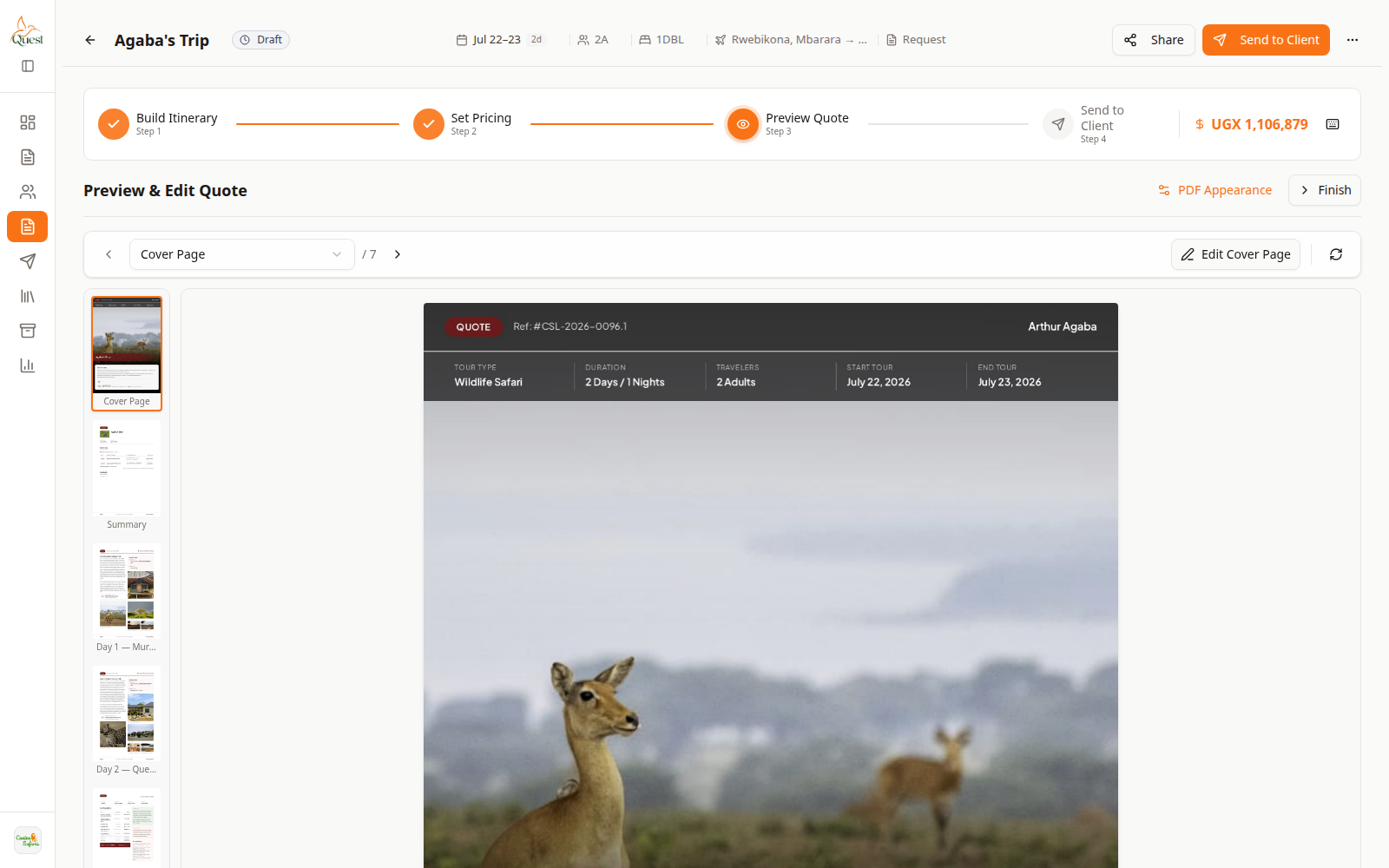
Preview
Operator preview is a close check of client-facing content.
What the numbers mean
- 1
Proposal content
Trip days and costs the client should recognize.
The public/client page shows itinerary and pricing per your share layout settings — not the operator sidebar.
- 1
Was this helpful?