Quote & Itinerary CreationManaging quotes
Duplicate a quote to reuse it
Copy a previous quote as the starting point for a similar trip.
Quest Team2 min readUpdated 2 Aug 2026
Duplicate copies a quote so you can reuse an itinerary for another client or option set. (May require Pro for full history tools.)
- 1
Find the quote
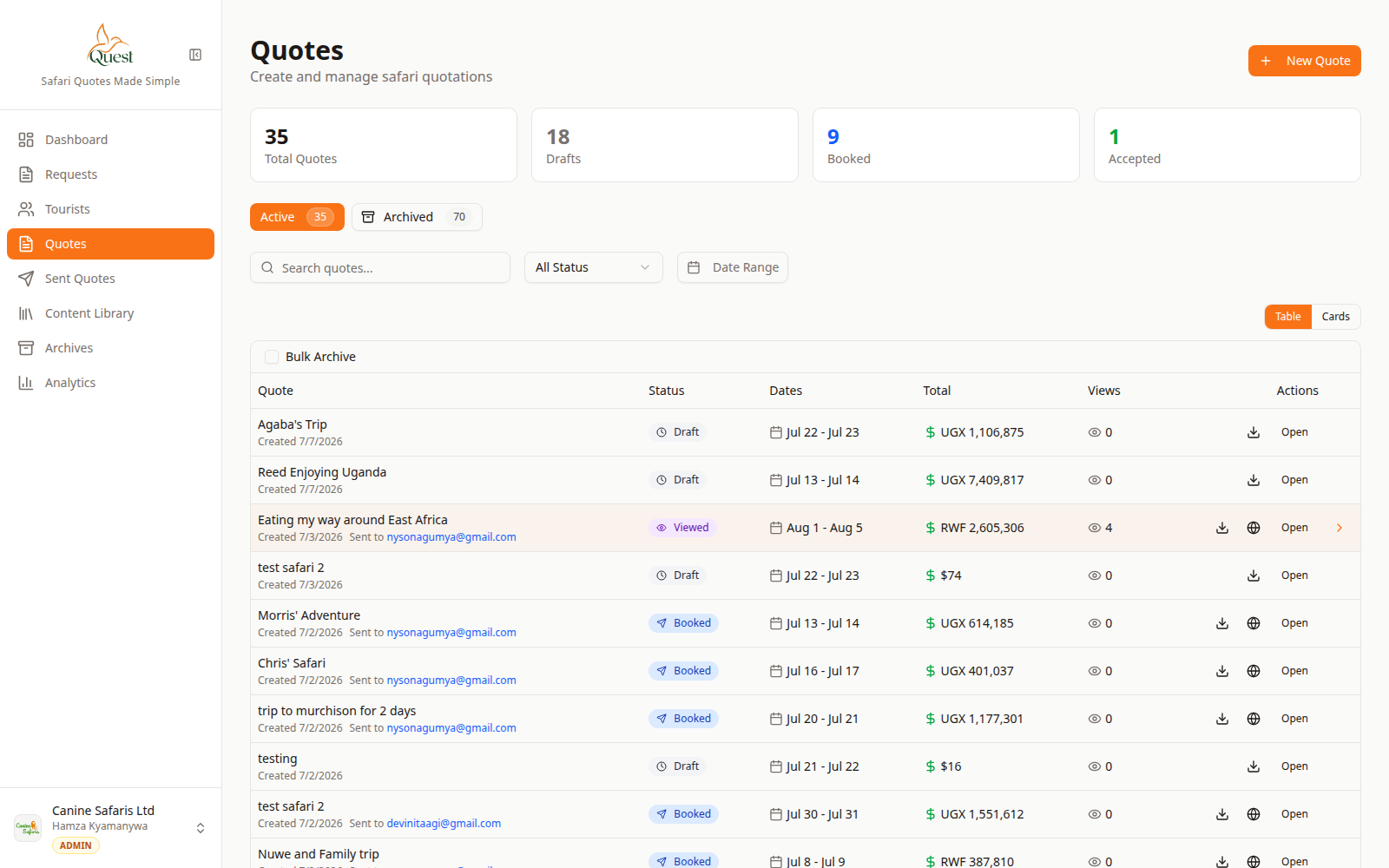
Quotes
Pick the source quote.
What the numbers mean
- 1
Quote row
Open the row menu for Duplicate.
Open Quotes, locate the quote to copy.
- 1
- 2
Duplicate
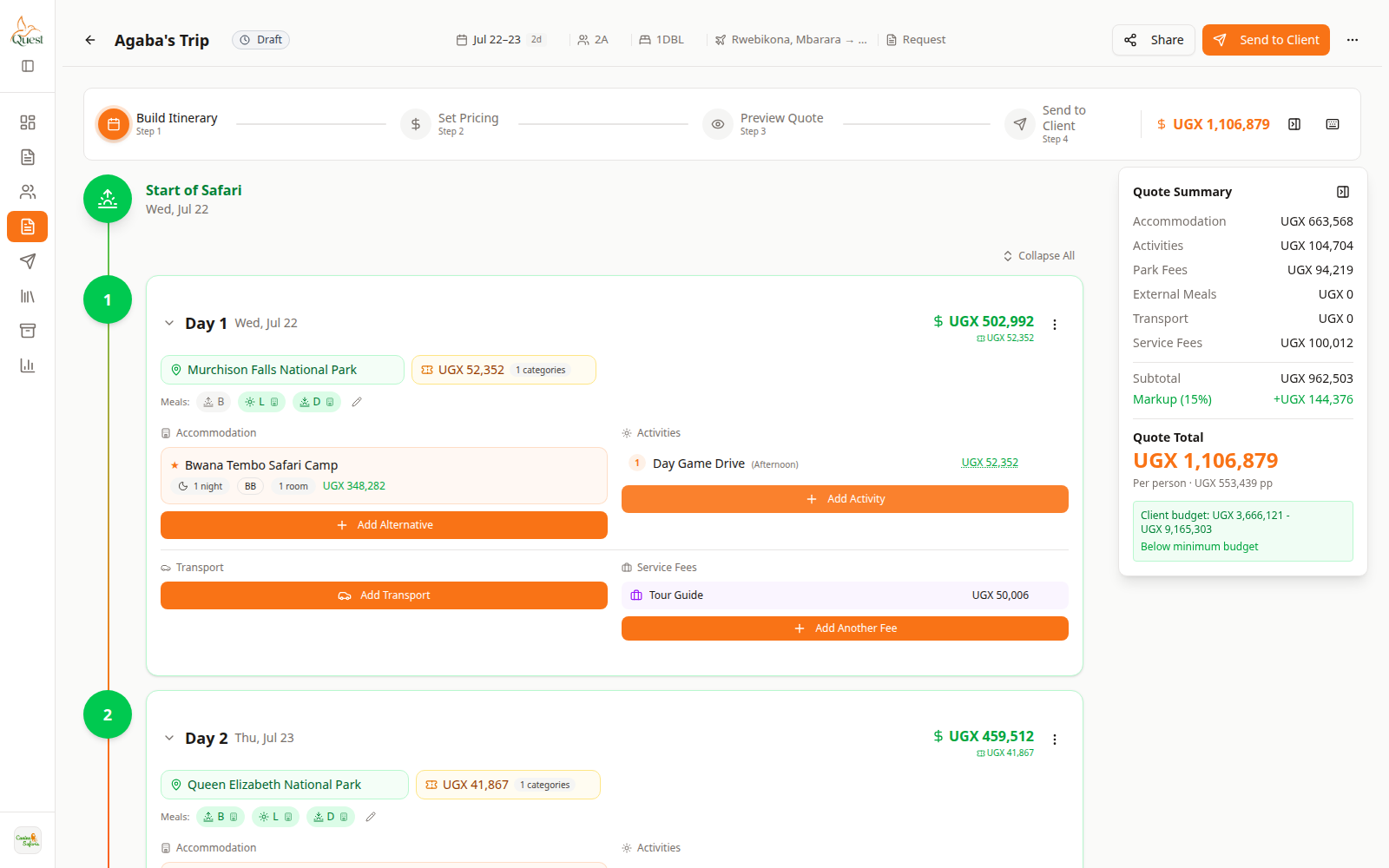
Builder
Edit the copy.
What the numbers mean
- 1
Build Itinerary
Adjust the duplicated trip here.
Row menu → Duplicate (or equivalent).
Open the new draft and adjust client, dates, and pricing before send.
- 1
Was this helpful?