How Quest works: from inquiry to sent proposal
The current operator flow — request, four-step quote builder, share page, and PDF.
Typical flow: capture a client request → build a quote day by day → set pricing → preview → send. You can also start from Quotes if you already know the trip.
- 1
1) Capture the inquiry (optional but common)
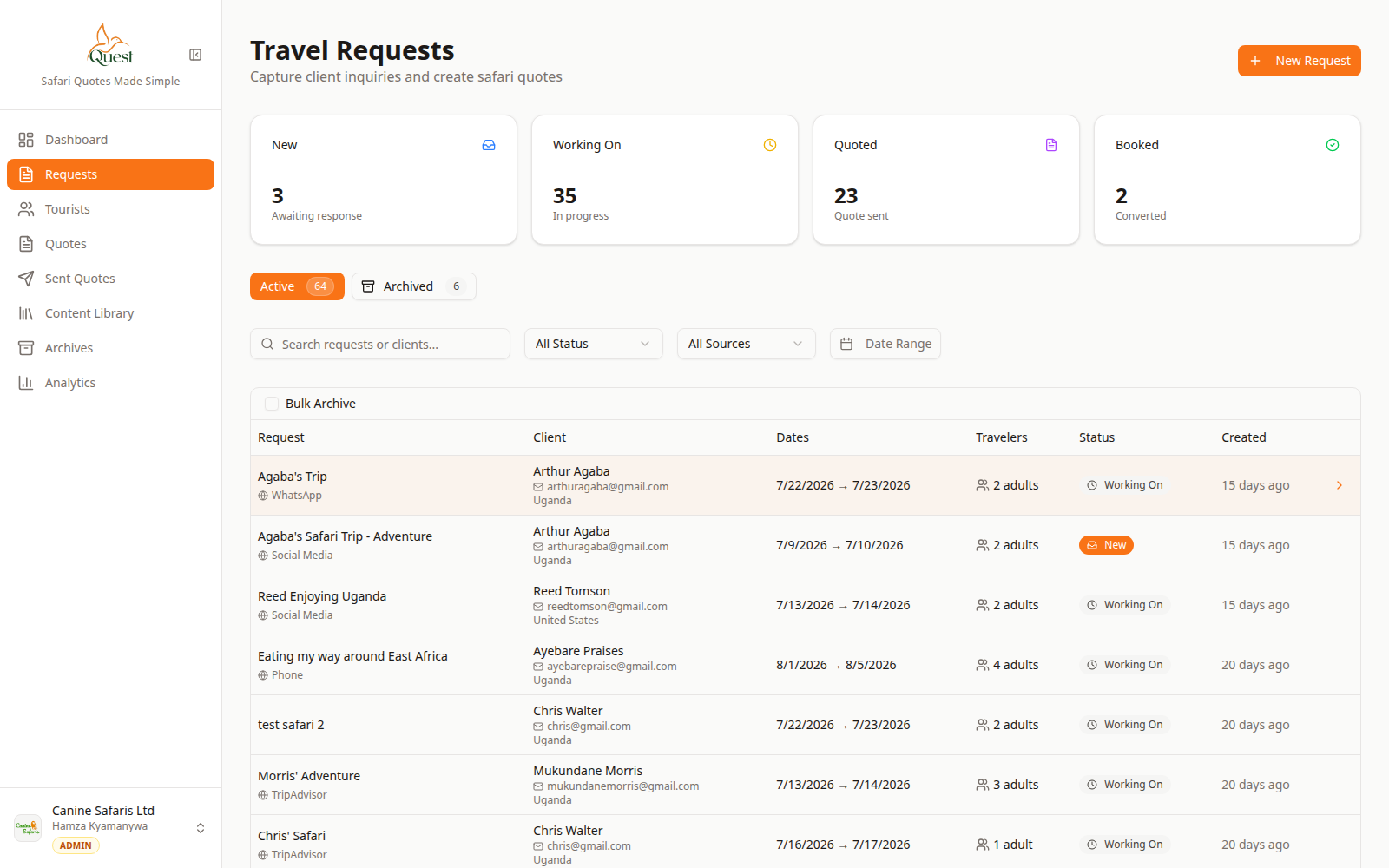
Requests
Client inquiries list.
What the numbers mean
- 1
Requests sidebar
All inquiries live here.
- 2
Requests table
Open a row to view or convert to a quote.
Create a Request with client name and trip basics, or pick an existing client.
Find it later under Requests.
- 1
- 2
2) Build the itinerary
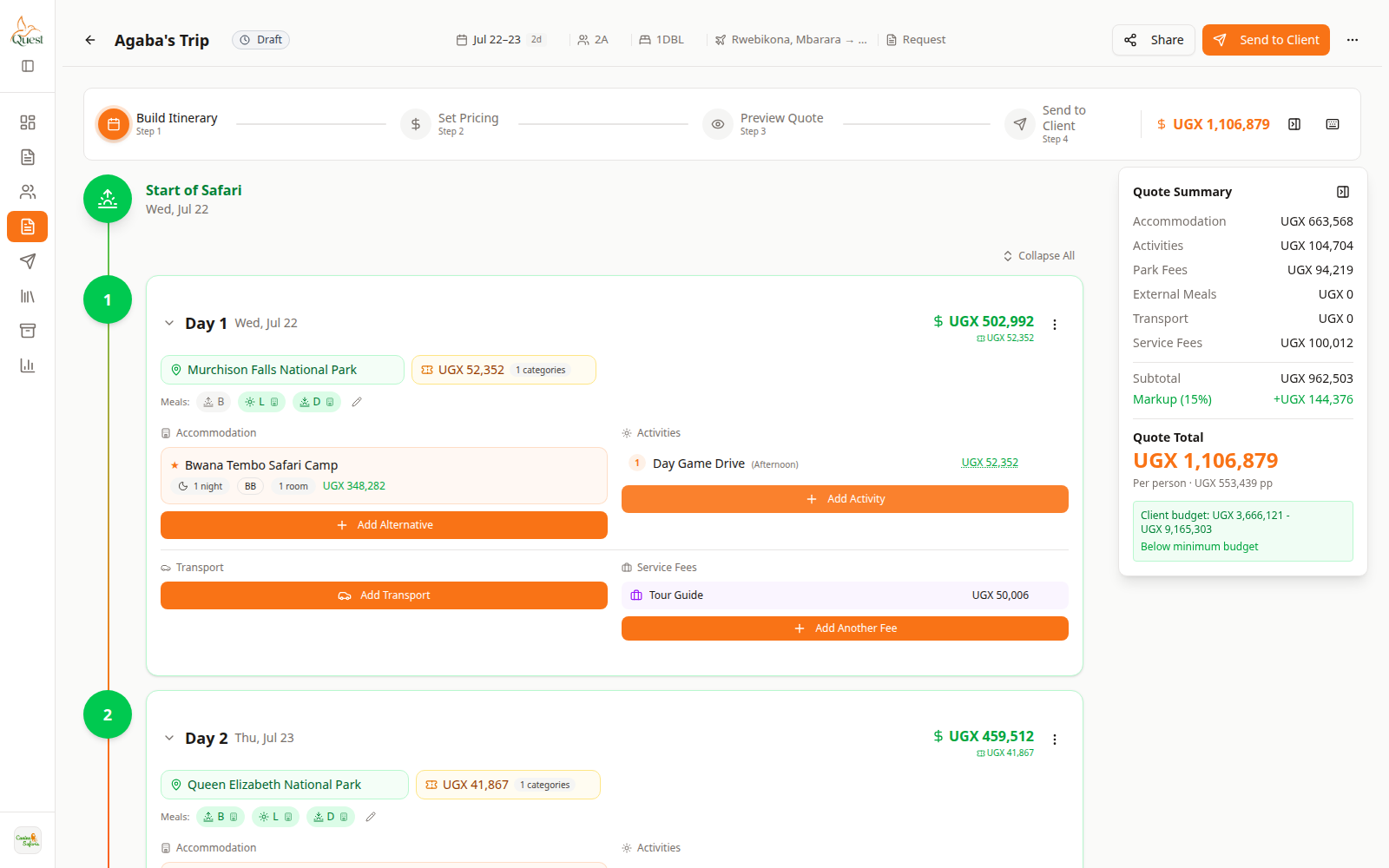
Build Itinerary
Plan the trip.
What the numbers mean
- 1
Build Itinerary
Step 1 of the quote wizard.
- 2
Day cards
Add content per day.
Open or create a Quote. On Build Itinerary, add days, destination, lodge, activities, and transport.
- 1
- 3
3) Price, preview, send
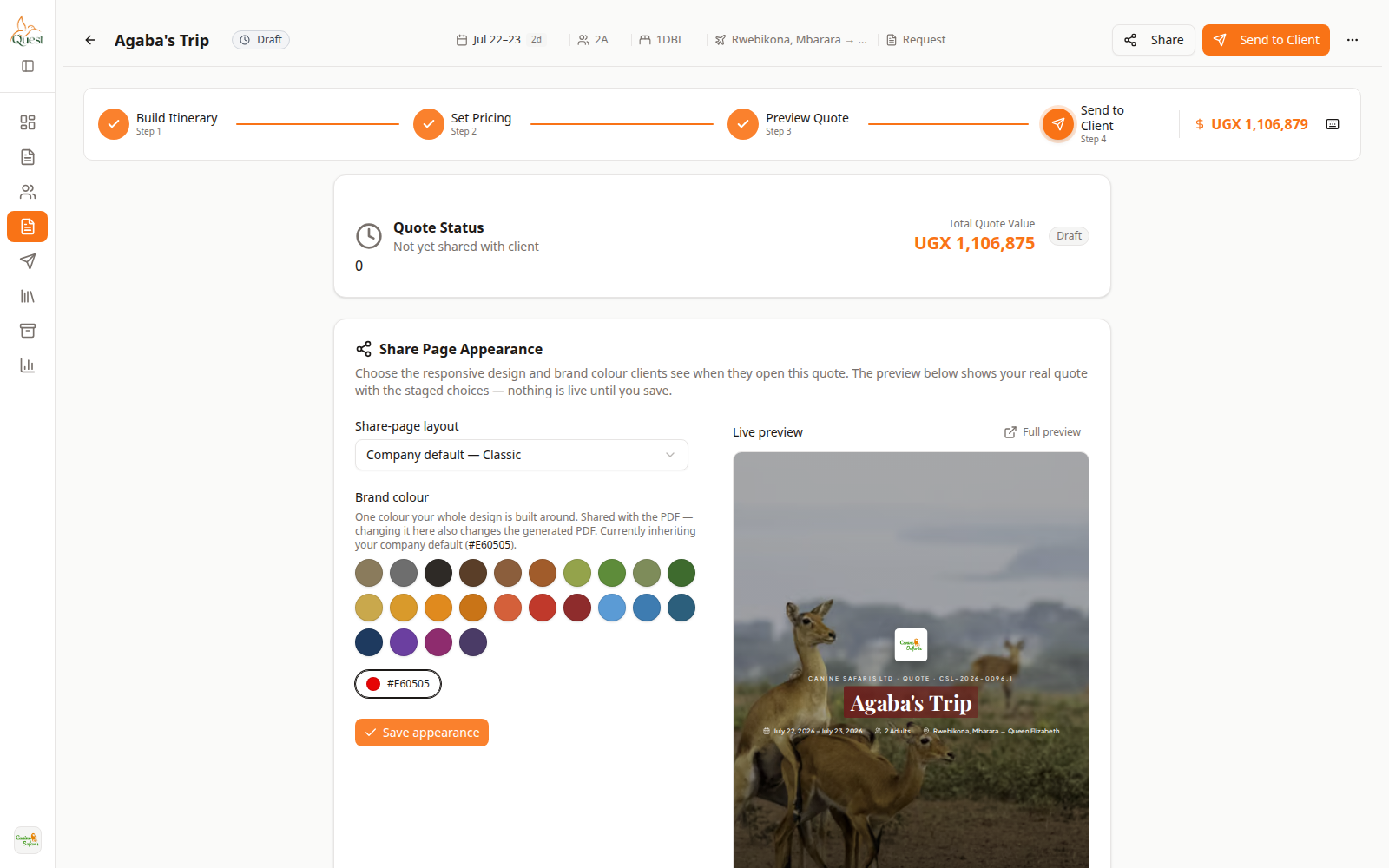
Send to Client
Deliver the proposal.
What the numbers mean
- 1
Send to Client step
Final delivery step.
- 2
Send controls
Email, PDF, and share options (plan rules may apply).
Set Pricing (markup/currency) → Preview Quote (PDF view) → Send to Client (email/share).
Sent items appear under Sent Quotes.
- 1
Was this helpful?