Quote & Itinerary CreationAdding items
Add optional and add-on items
Offer extras the client can choose without changing the base quote total.
Quest Team3 min readUpdated 2 Aug 2026
Optional items are add-ons clients can choose without changing the base package total the same way mandatory lines do. Add them while building the quote where your UI offers optional flags.
- 1
Add the line on a day or pricing extras
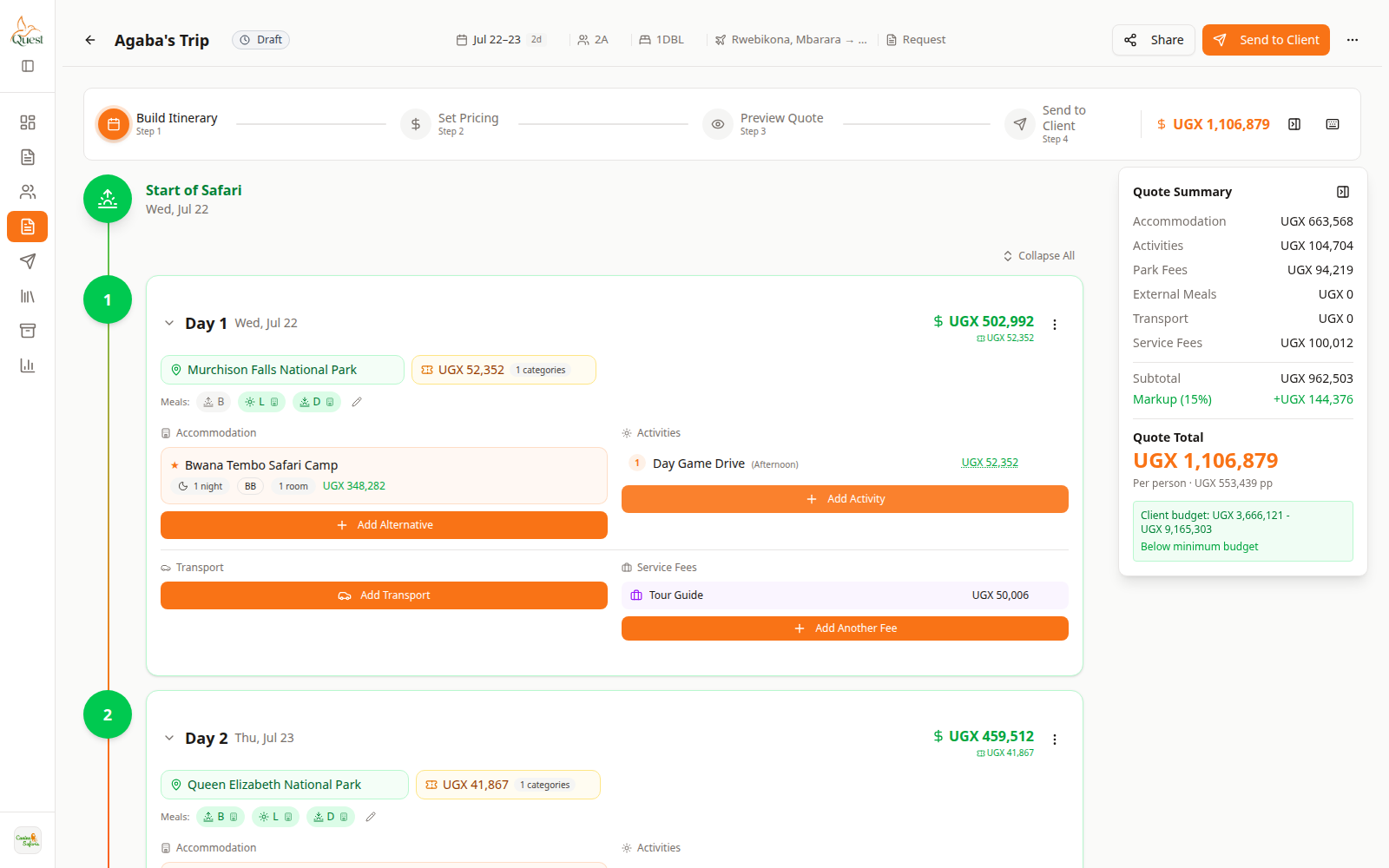
Build
Add the extra line.
What the numbers mean
- 1
Day content
Add the optional experience or extra here.
On Build Itinerary, add the activity/extra as usual, then mark it optional if the form shows an optional/add-on switch.
- 1
- 2
Check presentation on Preview
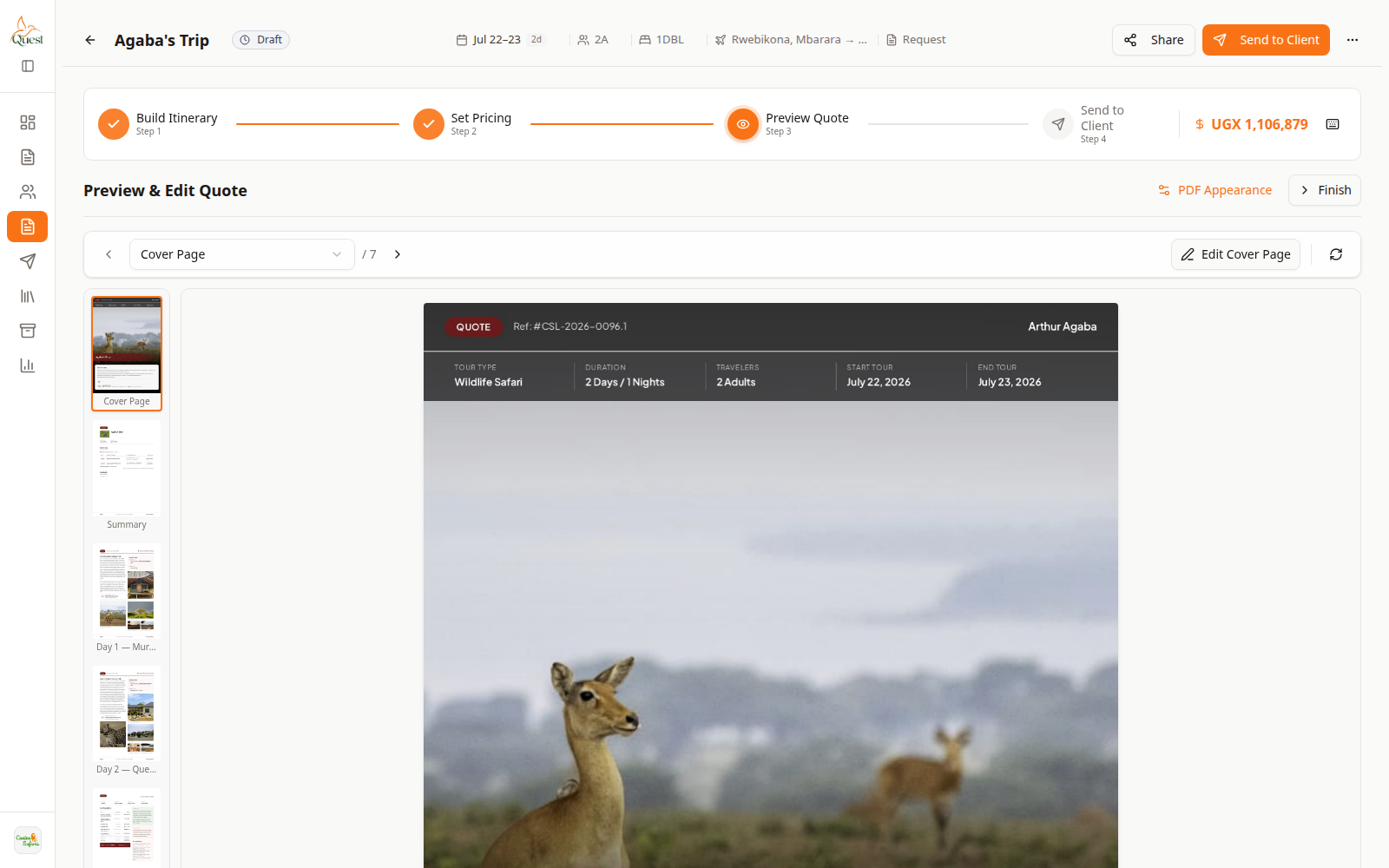
Preview
Client view check.
What the numbers mean
- 1
Preview canvas
Confirm optional items labeling on the proposal.
Preview Quote to confirm optional items appear the way you want for the client.
- 1
Was this helpful?