Client Delivery & Email SendingPDF proposals
PDF design packs and appearance
Company defaults, per-quote overrides, journey map pages, and brand colour.
Quest Team5 min readUpdated 2 Aug 2026
PDF design packs control print/PDF appearance (separate from share-page layouts). Set them under Settings → Quote → PDF Appearance.
- 1
Open PDF Appearance
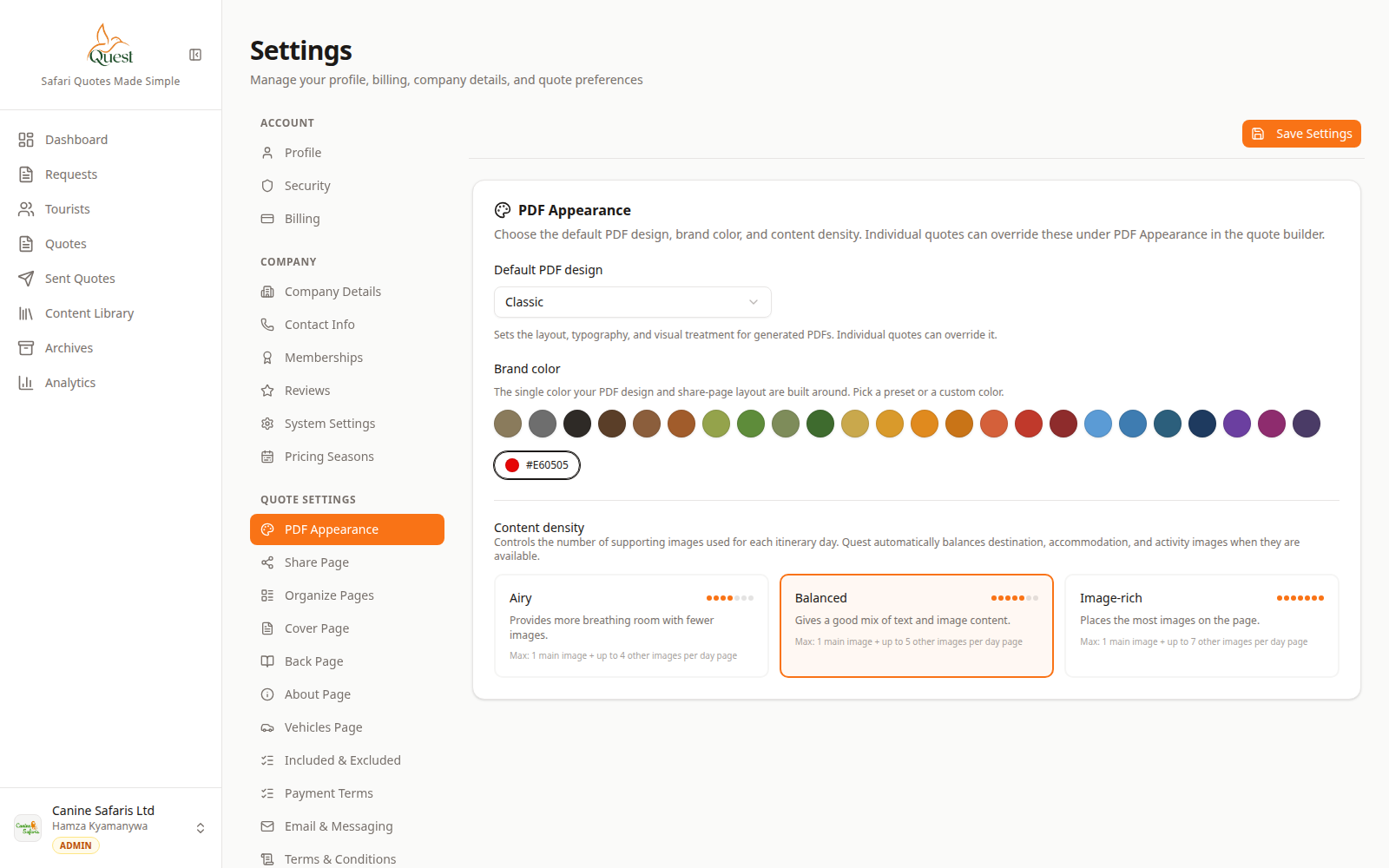
PDF Appearance
PDF template / branding controls.
What the numbers mean
- 1
PDF Appearance panel
Design pack and PDF look options for downloads/previews.
Settings → Quote settings → PDF Appearance. Choose a design pack and related options, then save.
- 1
- 2
Verify on Preview
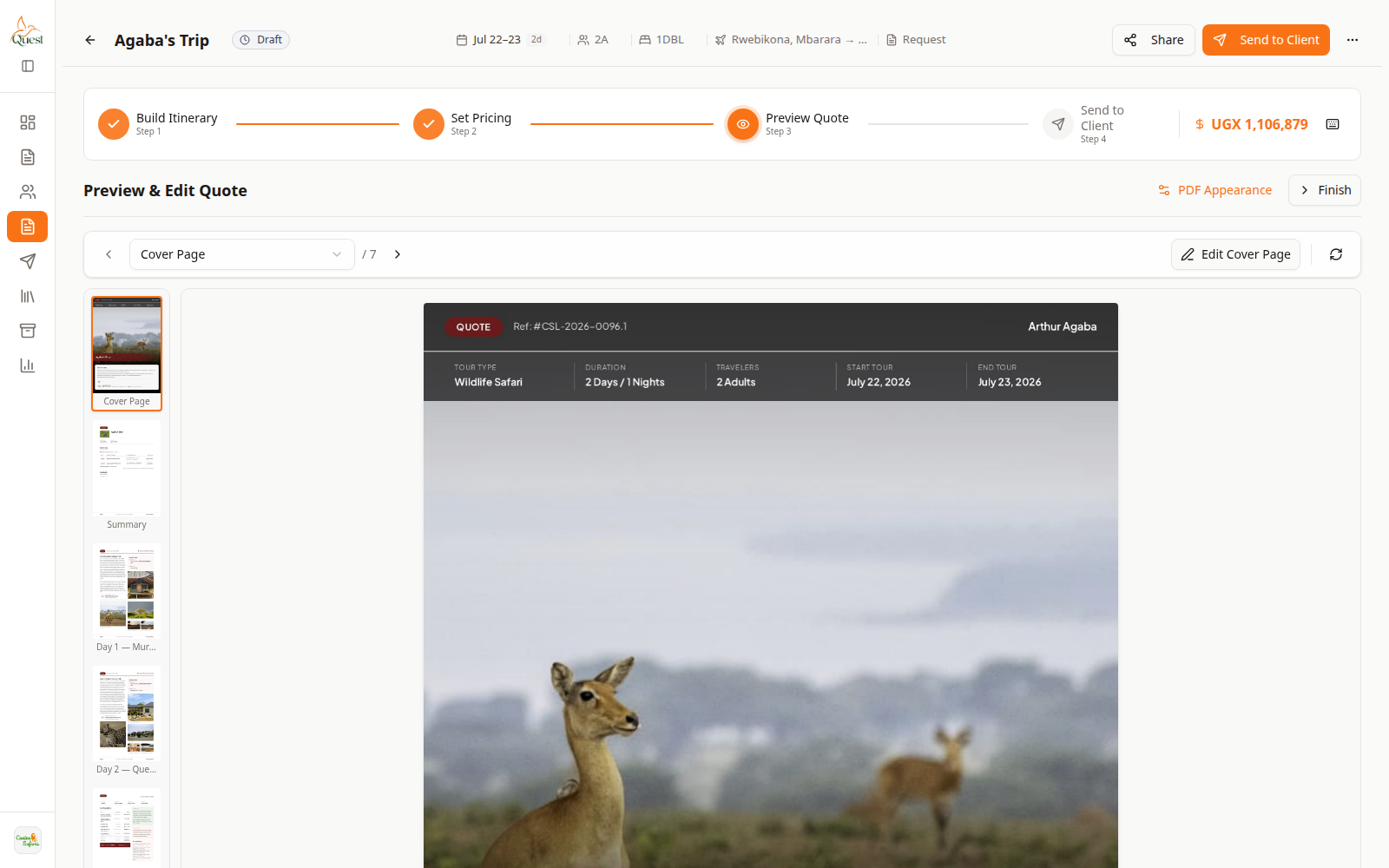
Preview
Visual check.
What the numbers mean
- 1
PDF preview
Confirm cover and pages use the selected pack.
Open a quote → Preview Quote to confirm the pack looks right before send.
- 1
Was this helpful?