Client Delivery & Email SendingSending
Share a quote over WhatsApp
Send a client-ready link to a proposal directly via WhatsApp.
Quest Team3 min readUpdated 2 Aug 2026
Share a client link via WhatsApp from Send to Client when share links are enabled for your workspace/plan.
- 1
Open Send to Client
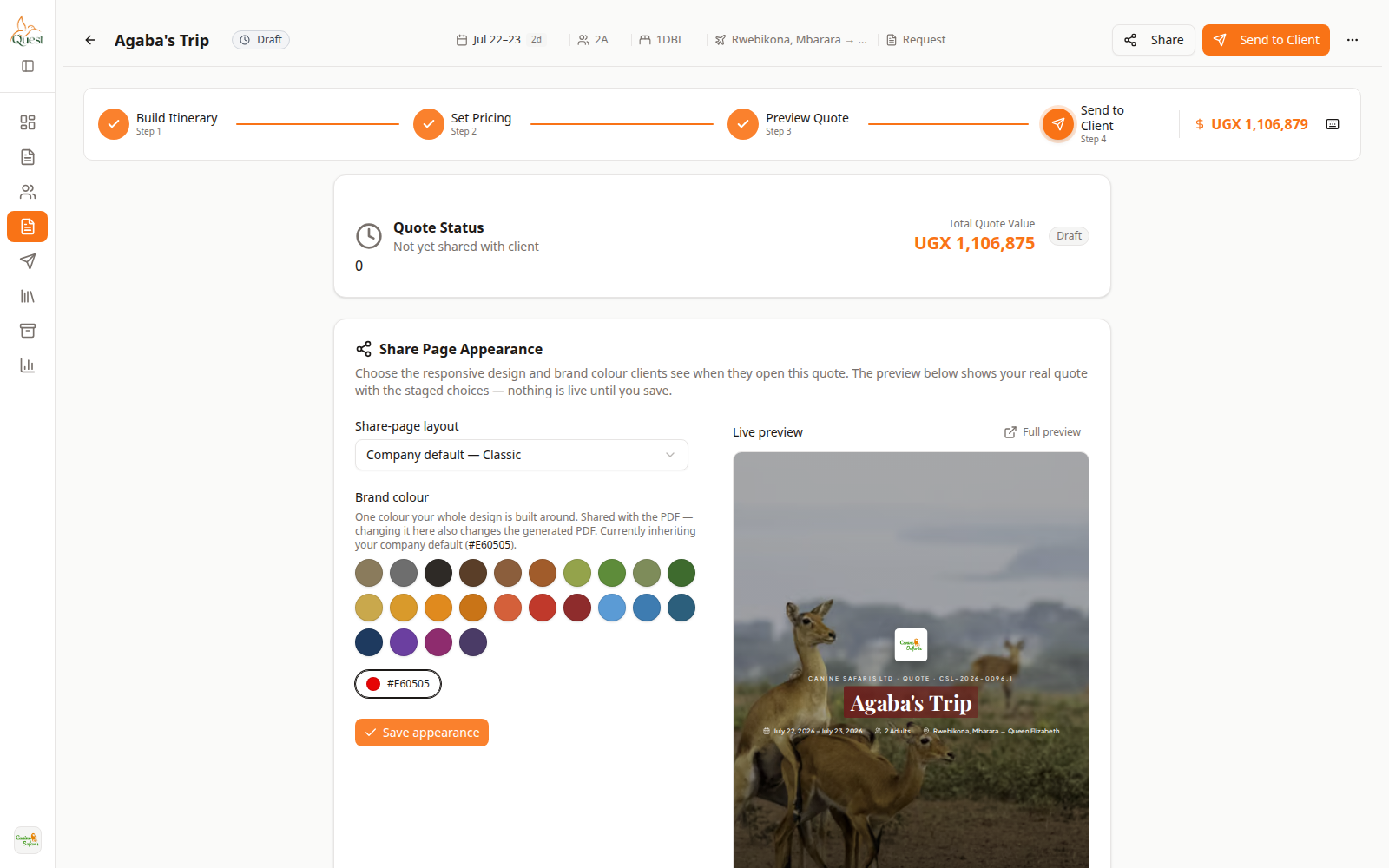
Send to Client
Delivery options.
What the numbers mean
- 1
Send to Client
Open share and send tools here.
- 2
Share controls
Copy link or open WhatsApp share when shown.
Open the quote → Send to Client.
- 1
- 2
Share the link
Send
Share from send step.
What the numbers mean
- 1
Share / WhatsApp
Creates or opens the client-ready link share.
Copy the client link or use the WhatsApp action if present.
Send to the client chat. The link opens the client view of the proposal.
- 1
Was this helpful?